EMPLOYER TIMECARD APPROVAL INSTRUCTIONS
These easy steps will show you how to approve a timecard. Should you have questions, please call our timecard hotline: (510) 420-3750 or email mis@certifiedemployment.com.
- Log into our timecard: https://certifiedemployment.myavionte.com/staff.
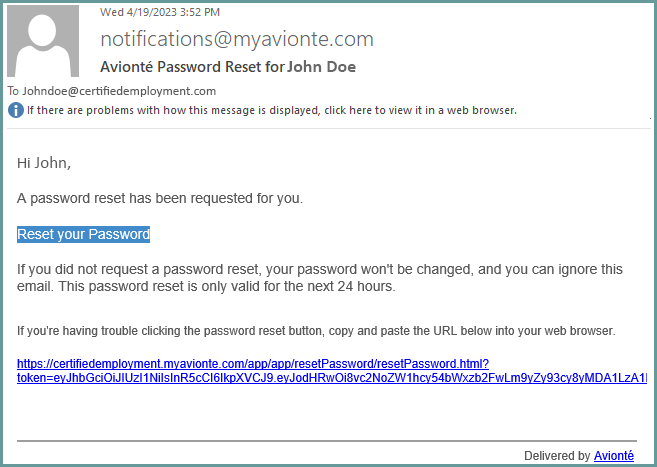
- If this is your first time in Avionté, you will be receiving an email from notifications@myavionte.com to reset your password. If you are a returning manager, please use the same login credentials.
- Once logged in, click the Timesheet tab. You can view all timesheets awaiting approval.

- In approving time, Managers can either Approve or Reject time. If time is rejected, the employee will receive an email to resubmit the timesheet.

- Timesheet can also be accepted or rejected through the email that is received when the employee submits time.
