HOW TO ACCESS YOUR PAYCHECK ONLINE
These easy steps will help you access your paycheck online. If you have questions, please call our payroll hotline: (510) 420-3750 or email mis@certifiedemployment.com.
- Log into the Employee Timecard portal located on our McCall website.
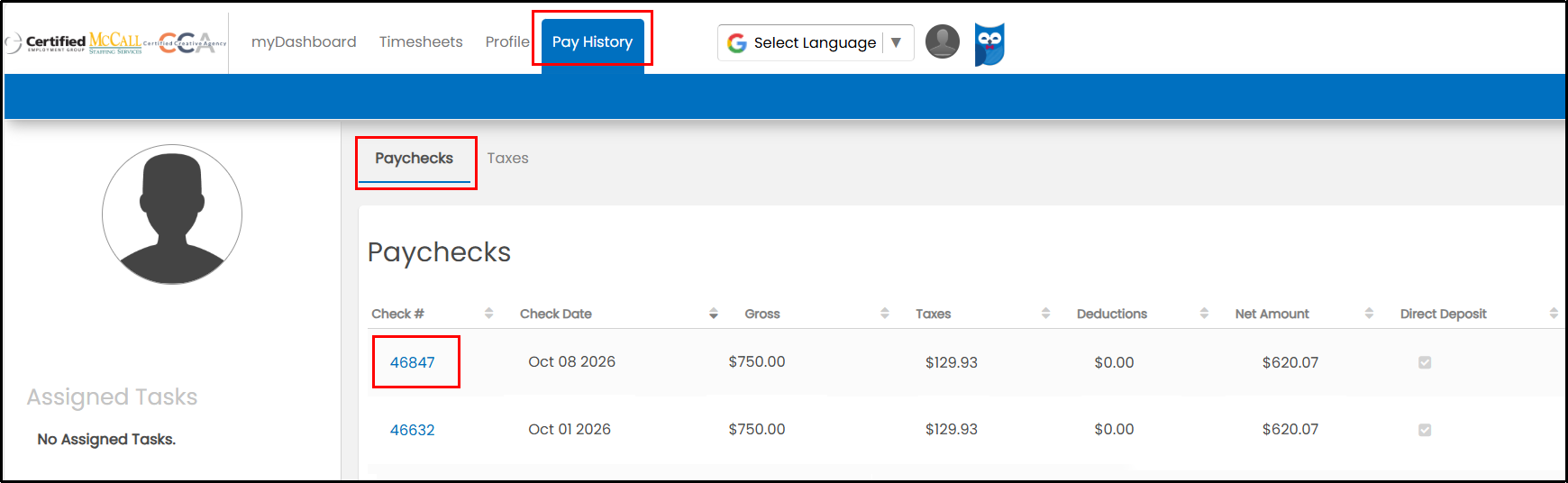
- Click on “Pay History.”
- Click on “Paychecks” to view your paycheck summary.
- Click on the check number to view the details of your paycheck.